
Wurst for Minecraft 1.12.1
Download
Minecraft 1.12.1 | Wurst Client 6.11.1
Minecraft 1.12.1 OF | Wurst Client 6.11.1
The popular Wurst Client has been updated to version 6.11.1 and now support Minecraft 1.12.1.
How to use Wurst (controls)
| Description | Keybind |
|---|---|
| Click GUI / Menu | Left CTRL |
| FastPlace | F |
| Flight | G |
| Freecam | U |
| Fullbright | C |
| Xray | X |
| KillAura | R |
| Nuker | L |
| Sneak | Z |
| /home | H |
Media
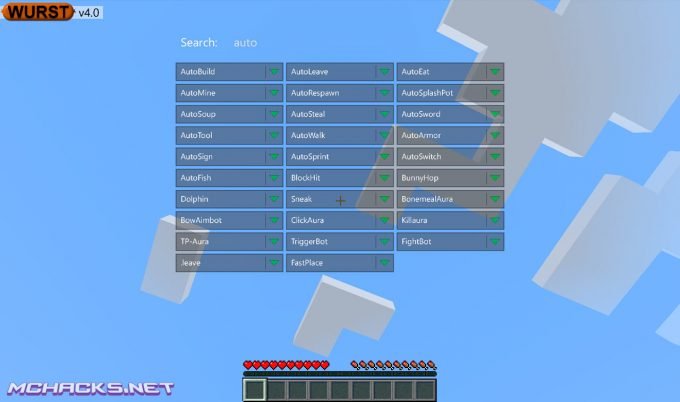
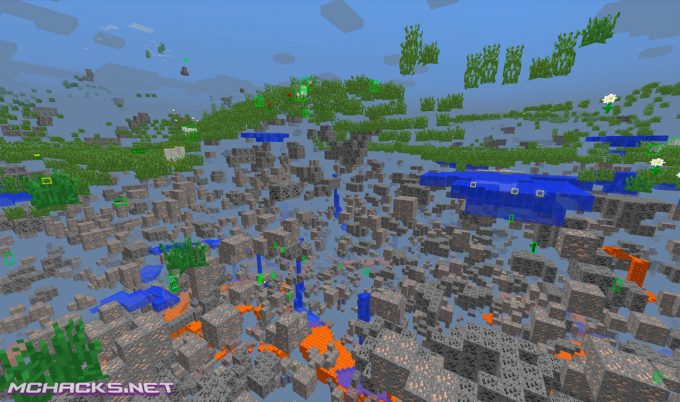
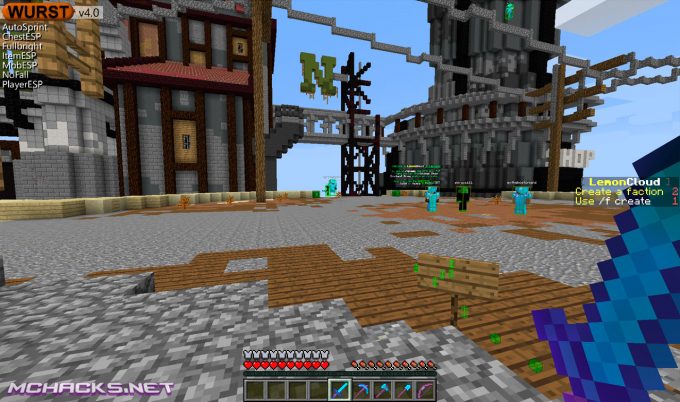
Changelog for Wurst Client
- Added Minecraft 1.12.1 compatibility mode. (MC 1.12 & 1.12 OF)
- Renamed .binds clear-all to .binds remove-all.
- Renamed .binds clear to .binds remove.
- .binds add will now add a new keybinds instead of adding new commands to existing keybinds.
- Keybinds can now be set to either toggle hacks or run commands. (.binds add r killaura and .binds add r .t killaura are both valid.)
- Keybinds that don’t start with a dot will now be interpreted as commands rather than chat messages. (.binds add h Hello world. is no longer valid, but .binds add h .say Hello world. is.)
- In addition to using ; in keybinds to separate multiple hacks/commands, one can now also use ;; to run a single command that contains ;. (.binds add h .say Hello;; world. is now valid and will output Hello; world. when pressed.)
- Improved Keybind Manager performance.
- Keybinds are now saved in a different format, but older keybinds.json files will be updated automatically.
- Re-worded an error message in the installer that some users found difficult to understand.
- Removed .binds set.
Update: Wurst 6.11.1
- Fixed MC 1.12.1 mode using the wrong protocol number. (MC 1.12 & 1.12 OF)
Download the free open source Wurst client Up.


0 commentaires: